
Executable can be found here Releases
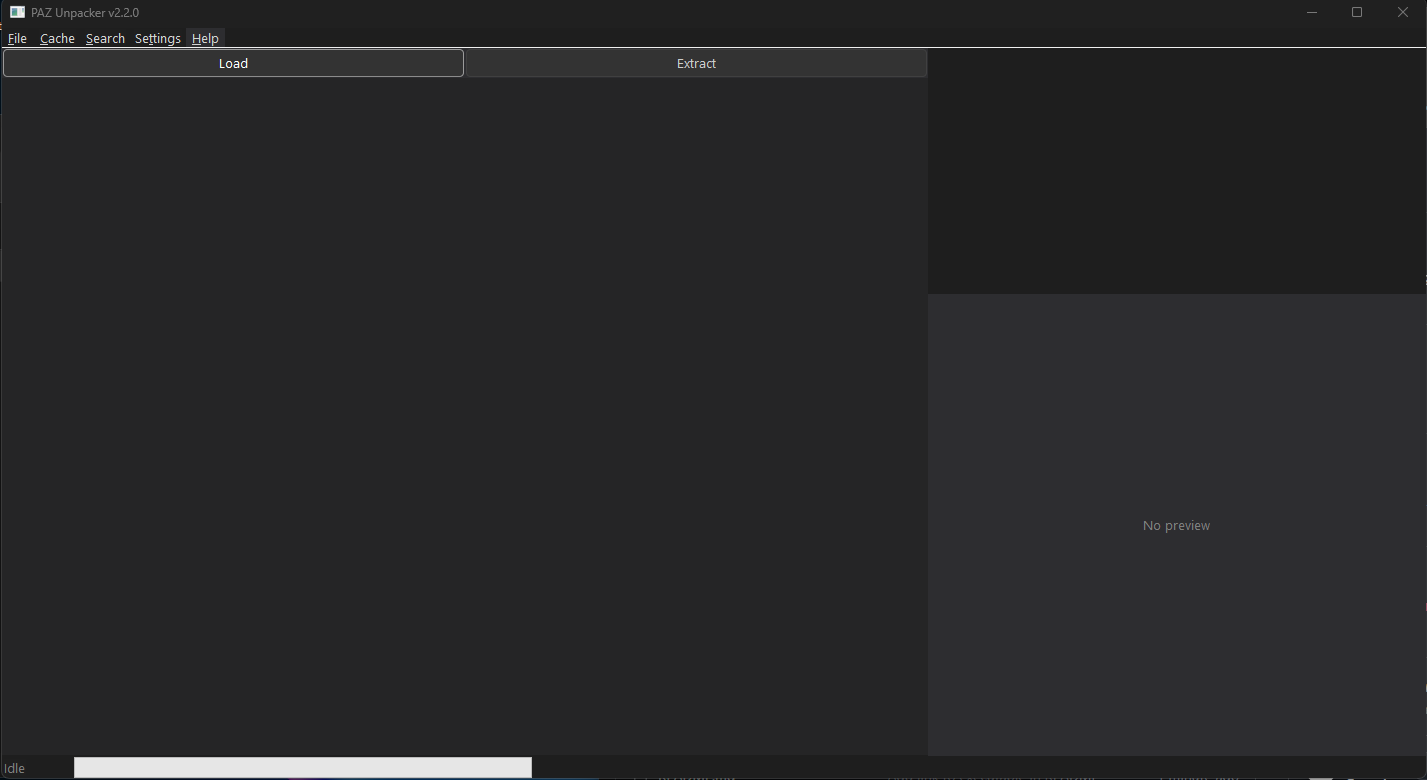 A Windows GUI tool for unpacking and extracting files from Black Desert Online (BDO)
 .PAZ archive files.
This is a community-maintained fork of kukdh1/PAZ-Unpacker.
Full credit for the original work goes to kukdh1. See CREDITS for details.
- Browse the virtual filesystem inside BDO PAZ archives
- Extract individual files, folders, or entire archives
- Dark mode UI — full dark theme across all controls and windows
- Settings dialog — configure your PAZ folder and extract path once; no dialogs after that
- Load button — one-click load from your saved PAZ folder path
- Extract button — extracts directly to your saved path, no browse dialog if already configured
- Search window — fast non-blocking search across all 800k+ files with live filtering
- Update notice — checks GitHub on startup and shows a clickable link in the status bar when a newer release exists; Help → Check for Updates still works on demand
- File preview — inline DDS/PNG/BMP texture preview panel
- 3D model viewer — textured preview of
.pammodels,.paccharacters and.pcmcollision hulls, with orbit / pan / zoom - Model export — export any
.pamto OBJ or FBX, with textures written alongside as PNG - Character export — rigged, skinned characters to ActorX
.psk/.psaor FBX, with the skeleton found automatically and every animation clip written alongside - Resizable layout — drag the splitter between the file tree and the preview
- Cache — binary cache (v2) for fast startup; embeds folder path for multi-installation support
- Multi-language support (English, Japanese, Korean)
- Displays file metadata: size, PAZ source, internal path
The original project was last updated in 2015. This fork modernises the codebase while keeping full compatibility with the original PAZ format.
| Area | Change |
|---|---|
| Platform | Upgraded from 32-bit to 64-bit (x64) — handles large archives correctly |
| Compiler | VS2015 (v140) → VS2025 (v145) with /std:c++latest (C++26) |
| Memory | Raw pointers / calloc/free → std::unique_ptr, std::vector |
| Strings | Fixed-size WCHAR[4096] buffers → std::wstring throughout |
| Paths | Manual CreateDirectory loop → std::filesystem::create_directories |
| Error handling | Silent failures → std::runtime_error with descriptive messages |
| Thread safety | Added std::atomic<bool> busy flag guarding all thread spawns |
| Assertions | assert() precondition checks on all critical parsing functions |
| Code quality | nullptr throughout, const-correct getters, range-based for loops |
The .pam model format used by BDO was reverse engineered for this fork — see
PamModel.h for the full layout. All three format versions found in the archive
are supported.
| Area | Detail |
|---|---|
| Viewer | Software rasteriser drawing into the existing preview panel — no GPU dependency, no external libraries |
| Shading | Perspective-correct textured rendering with bilinear filtering and alpha cut-out for foliage and decals |
| Controls | Drag to orbit, right-drag to pan, wheel to zoom, double-click to reset, middle-click cycles textured / solid / wireframe |
| Export | Wavefront OBJ (+ .mtl) or binary FBX 7.4; pick the format in the save dialog |
| Textures | Referenced textures are pulled from the archive and written next to the model as full-resolution PNG |
Exports are verified to import into Blender, 3ds Max and Unreal Engine 5.
The rest of the PAR family was reverse engineered too, so a character comes
out complete rather than as a static pose:
| File | What it holds | Exports as |
|---|---|---|
.pac |
Skinned character mesh, with a bone palette | ActorX .psk (default) or FBX |
.pab |
Skeleton — bone hierarchy and rest pose | FBX |
.paa |
One animation clip | FBX, or a shared .psa |
.pcm |
Collision hull | OBJ or FBX |
Exporting a .pac also pulls its textures out of the archive, and offers to
write the character's animation clips alongside it — a creature has a couple of
dozen, a playable class several thousand, so it asks first and tells you how
many.
A .pac does not name its own skeleton, so the right .pab is found for you:
the archive's naming convention is tried first, then the skeletons nearest the
mesh in the folder tree, and whichever one actually accounts for the mesh's
bones wins. Across the whole archive 92,236 of 92,498 character meshes
resolve a complete skin this way.
BDO ships normal maps in two layouts. The newer ones are ordinary: X in red, Y in green. The older object textures are DXT5nm — X is moved into the alpha channel and red is left at a flat 255 — which is why copying one out verbatim gives a pink, unusable image. Roughly a third of the archive's normal maps are like this.
Exported normal maps are checked and converted, so both eras come out in the form every tool expects. The check reads the pixels rather than the DDS header flag that nominally marks them, because over all 17,056 normal maps that flag is wrong in both directions.
The mesh imports into UE5 directly from FBX. Animation is the awkward part:
UE will not build an AnimSequence from an animation-only FBX. The route that
works is the one the modding community already uses — via 3ds Max, letting
Autodesk's own FBX exporter write the file:
- Export the character as ActorX mesh (
*.psk) from the save dialog. Every clip is written into a single.psabeside it. - In 3ds Max, import the
.pskand then the.psawith Gildor's ActorX Importer (gildor.org/projects/unactorx). - Export from Max as FBX.
- Import that FBX into UE5.
Verified end to end on a 91-bone creature: 53,013 verts, a Skin modifier bound
to every bone, and 28 of 28 animation clips arriving in UE5 as
AnimSequence assets with their original timing intact.
FBX works directly — mesh, skeleton and animation all import as they are.
If you would rather use ActorX there too, Blender has a PSK/PSA add-on on the official extensions platform: io_scene_psk_psa. The 3ds Max route above is the one verified here, so treat that as the tested path and the Blender add-on as the convenient one.
.psk/.psa is worth using generally — the format is unambiguous where FBX is
not, and Max reads it as a real bone hierarchy rather than a pile of dummy
helpers.
- Windows 10 or 11 (x64)
- Visual Studio 2025 with the Desktop development with C++ workload
- Windows SDK 10.0
- Open
PAZ-Unpacker.slnin Visual Studio 2025 - Select Release | x64
- Build → Build Solution (
Ctrl+Shift+B) - Copy the four
Setting*.xmlfiles alongside the built.exe
- Launch
PAZ-Unpacker.exe - Go to Settings → Configure Paths and set your PAZ folder (the folder containing
pad00000.meta) and your preferred extract output folder - Click Load to load the PAZ archive — subsequent launches just press Load
- Browse the file tree on the left
- Select a file, folder, or the root node, then click Extract
- Use Search in the menu bar to search across all files by name or extension (e.g.
.dds,ui_texture)
- Tested on KR client. The meta file format changed on KR client since 2016.05 (decrypt key changed).
- If an extracted file begins with
0x6E, the first 9 bytes are a compression header:0x6E : Header magic DWORD : Original file size DWORD : Compressed file size - BDO client (and XIGNCODE3) does not check CRC codes on packed files.
Modifications made in this fork are licensed under the MIT License.
The original source code was published without a license — all original rights belong to kukdh1.
See CREDITS for full attribution.
The ActorX Importer referenced above is not part of this project. It is © 2009-2022 Konstantin Nosov (Gildor) and is available from gildor.org/projects/unactorx.