


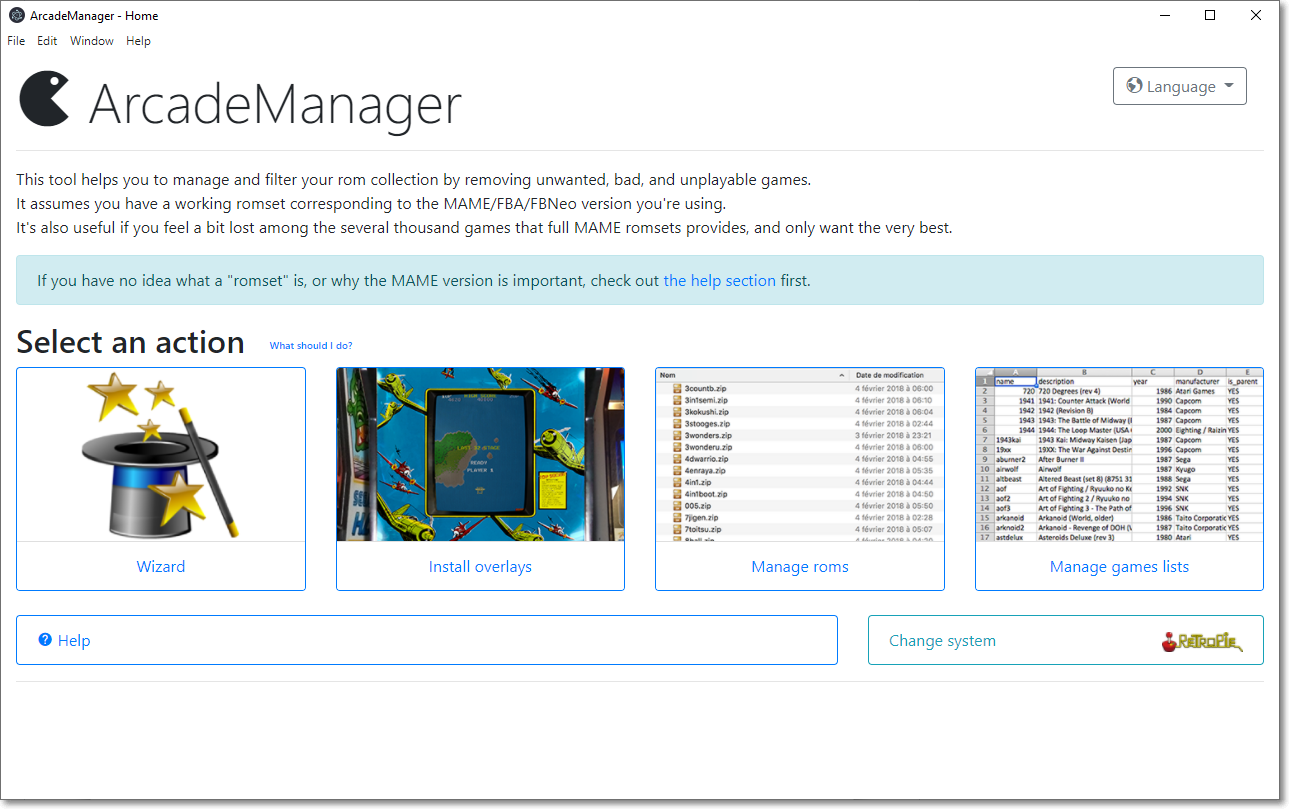
ArcadeManager is a rom management tool that will work with any arcade emulator romset. It helps you filter your arcade rom collection (MAME/FBNeo) by removing unwanted, bad, and unplayable games.
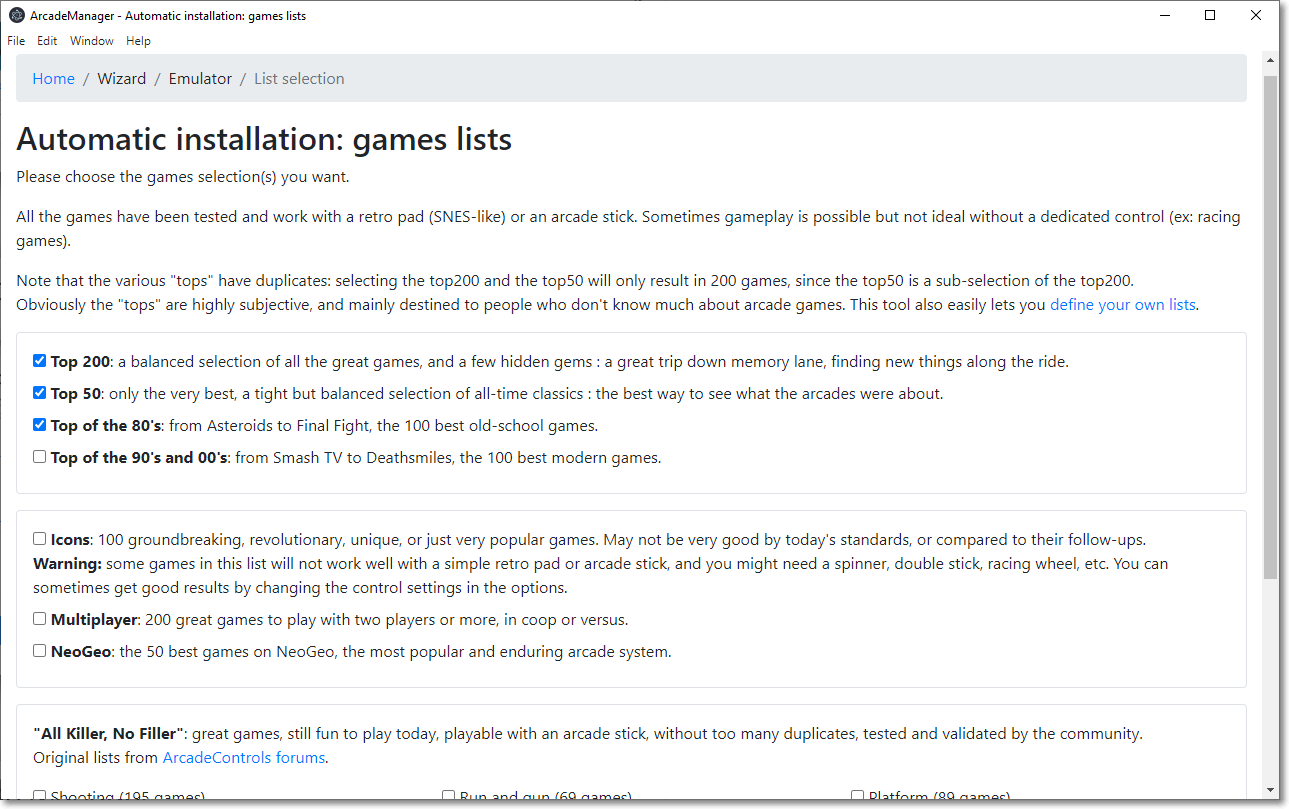
It also includes several selection of "best games", if you feel a bit lost among the several thousand games that full MAME romsets provide, and want a quick way to just keep the best ones.
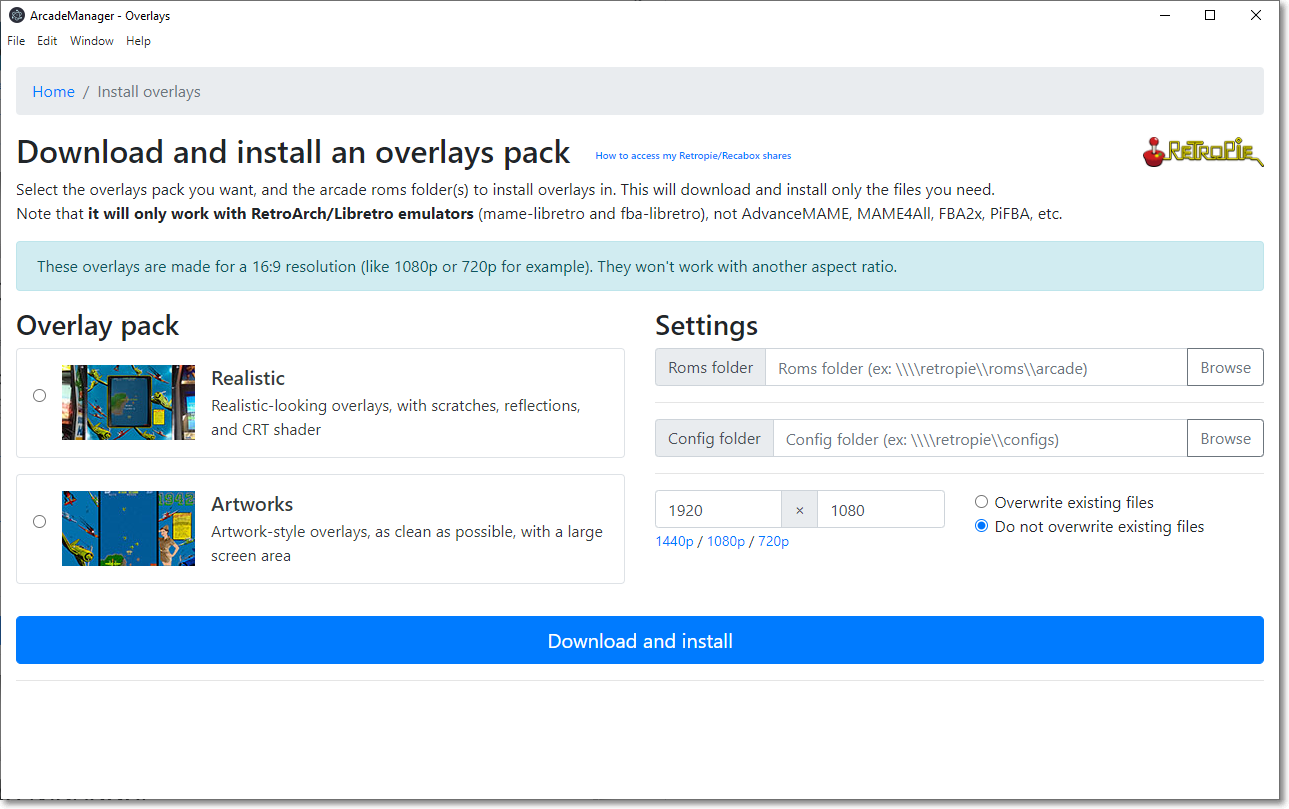
It also installs overlays/bezels, but only Retropie and Recalbox are currently supported.
The latest version is available here: https://github.com/cosmo0/arcade-manager/releases/
- User-friendly, easy to use interface with included extensive help
- Wizard with various pre-built lists of "best games"
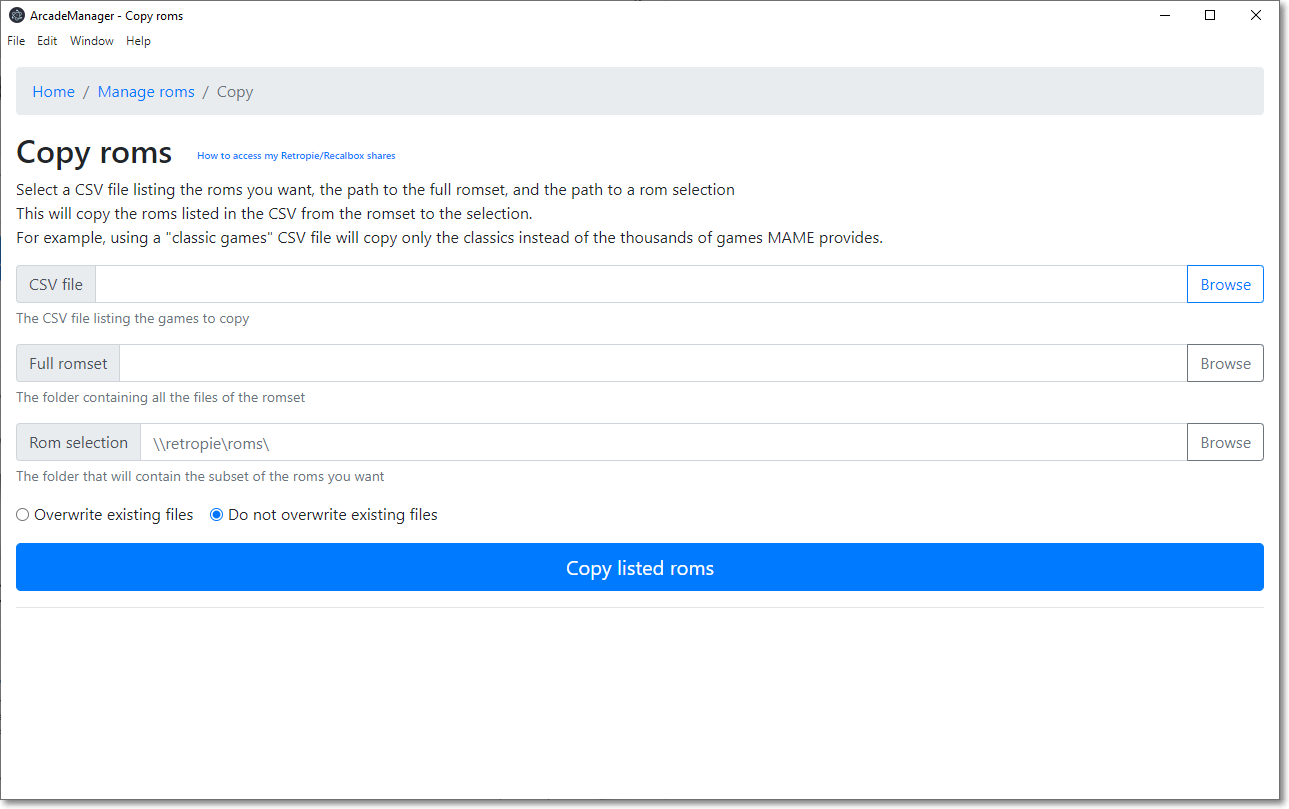
- Manage rom files: copy or cleanup a selection of roms
- Checks and fixes a romset, and converts it to non-merged (other types are not supported)
- Download and install an overlays pack (Retropie or Recalbox)
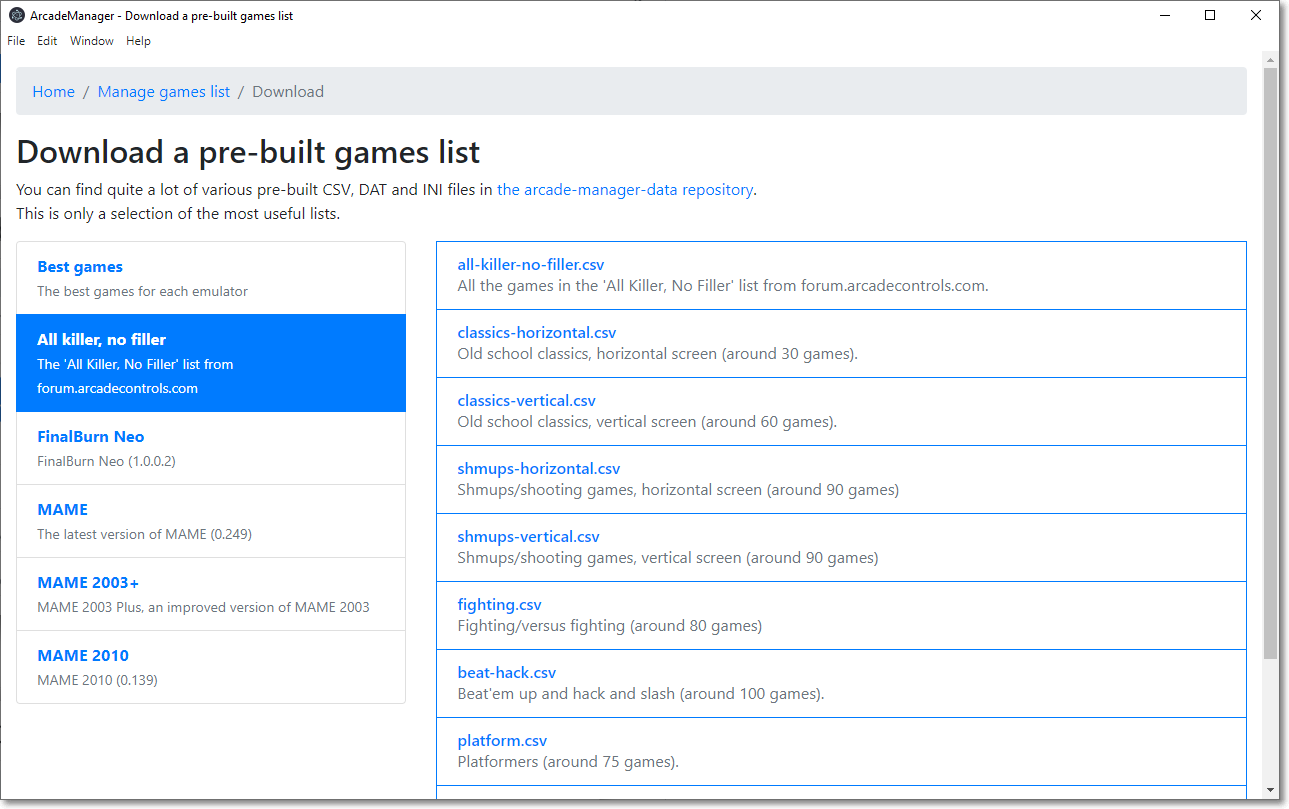
- Manage games lists to use with the roms file management: merge and split files, convert DAT or INI files, and more
And also:
- Multi-platform, works on Windows, MacOS and Linux
- Multi-language (check "translating" if you want to help)
Copying files assumes you have a working romset corresponding to the MAME/FBNeo version you're using. ArcadeManager can convert a romset to non-merged (all clones can work on their own) but not to other types; for that, use a tool like ClrMamePro.
Obviously, this tool does not download roms.
If you are new to arcade emulation, please read these resources:
Anyone can help with translations: they're simple text files (INI style) located in Data\translations.
If you think you can help, please create a pull request! Or just send me the translated files. I'm happy either way.
If you want to test your translations, you'll have to add your language to src\ArcadeManager.Core\Services\Localizer.cs in the _locales array.
You can also contribute using Weblate.
- Dotnet 10 SDK - https://dotnet.microsoft.com/en-us/download/dotnet/10.0
- NodeJS 22 or later - https://nodejs.org/download
Use Visual Studio or VSCode and use the debug profile "Electron (unpackaged)".
Run .\samples\generate-samples.ps1 in Powershell to generate a fake romset in tmp\roms (empty zip files with the right names).
Choose your OS and architecture:
cd ArcadeManager
dotnet publish -p:PublishProfile=win-x64 -c Release -r win-x64
dotnet publish -p:PublishProfile=linux-x64 -c Release -r linux-x64
dotnet publish -p:PublishProfile=osx-arm64 -c Release -r osx-arm64
Note that the Windows publication must be run as administrator.
Windows ARM, Linux ARM and MacOS x86 are not currently supported; you can build your own version, but I don't have a way to generate binaries for them.
If you want to build for another architecture, check out src\ArcadeManager\Properties\PublishProfiles, and create a new profile.
Check the build documentation