


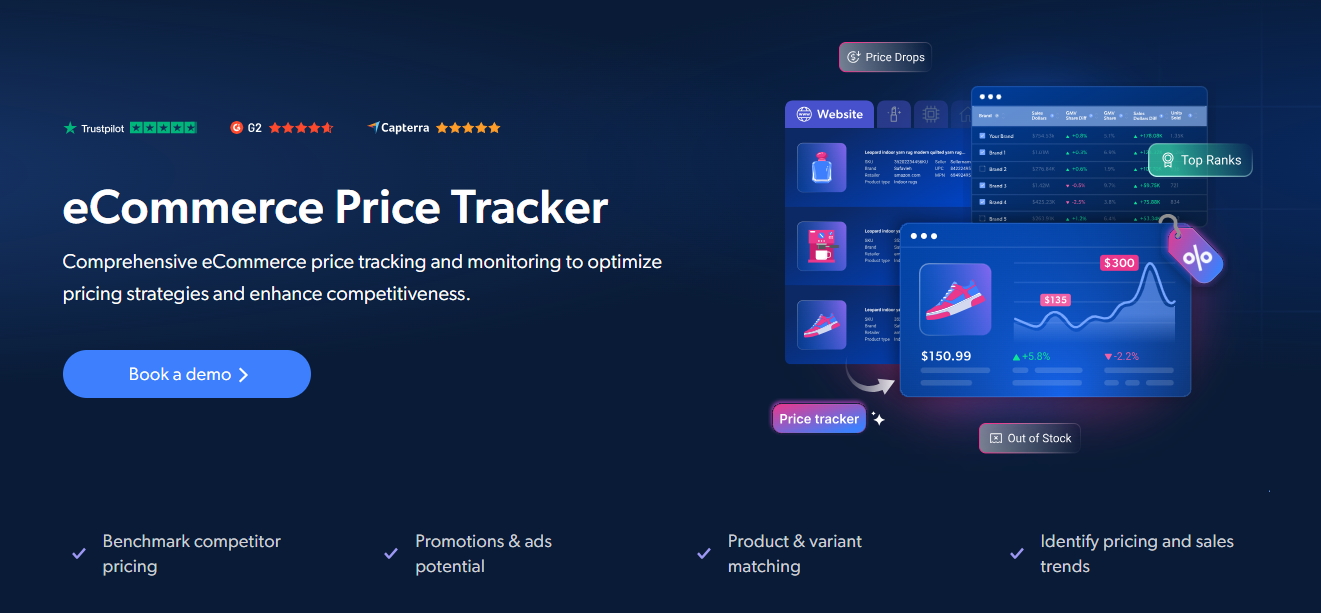
实时 Sephora 价格追踪——一家全球美容与化妆品零售连锁。两种开始方式:全托管情报平台,或用于构建你自己的 pipeline 的自助式 API。
Bright Insights 是 Bright Data 的全托管零售情报平台。无需构建 scraper,无需维护基础设施——只需将结构化、可直接分析的价格数据交付到 dashboard、数据 feed 或你的 BI 工具中。
为什么团队选择 Bright Insights:
- 🚀 零配置 - 通过开箱即用的 dashboard 和数据 feed,在几分钟内上线
- 🤖 AI 驱动的推荐 - 对话式 AI 助手可将数百万数据点即时转化为可执行洞察
- ⚡ 实时监控 - 从每小时到每天的刷新频率,并提供即时告警(email、Slack、webhook)
- 🌍 无限扩展 - 任何网站、任何地区、任何刷新频率
- 🔗 即插即用集成 - AWS、GCP、Databricks、Snowflake 等
- 🛡️ 全托管 - Bright Data 自动处理 schema 变更、站点更新和数据质量
关键使用场景:
- ✅ 监控 Sephora 价格,覆盖所有产品类别
- ✅ 实时追踪库存水平和可用性
- ✅ 为你关注的产品设置价格提醒
- ✅ 监控 MAP 政策合规性并检测定价违规
- ✅ 追踪竞争对手促销及促销动态
- ✅ 将干净、统一的数据直接输入动态定价算法或 AI 模型
每月 $250 起 - 获取定制报价 →
更喜欢构建你自己的 pipeline?Bright Data 的 Web Scraper API 为你提供对 Sephora 产品数据的编程访问——价格、可用性、评论等——无需管理代理或 scraping 基础设施。
- Python 3.9 或更高版本
- 一个 Bright Data account(提供免费试用)
- 一个 Bright Data API token(如何获取)
- 一个用于 Sephora 产品的 Bright Data Web Scraper ID(在 Web Scrapers 控制面板中查找)
-
克隆此 repository
git clone https://github.com/bright-cn/sephora-price-tracker.git cd sephora-price-tracker -
安装依赖
pip install -r requirements.txt
-
配置凭据
将
.env.example复制为.env并填写你的值:cp .env.example .env
BRIGHTDATA_API_TOKEN=your_api_token_here
BRIGHTDATA_DATASET_ID=your_dataset_id_here
查找你的 Web Scraper ID 登录 Bright Data Control Panel,进入 Web Scrapers, 搜索 “Sephora”,然后复制 Web Scraper ID(格式:
gd_xxxxxxxxxxxx)。
传入 Sephora 产品 URL 列表以获取结构化价格数据:
from price_tracker import track_prices

urls = [
    "https://www.sephora.com/product/sample-product-P12345",
    # Add more product URLs here
]

results = track_prices(urls)
for item in results:
    print(f"{item.get('title')} - {item.get('final_price', item.get('price'))} {item.get('currency', '')}")
或直接运行:
python price_tracker.py查找与关键词搜索匹配的产品:
from price_tracker import discover_by_keyword

results = discover_by_keyword("laptop", limit=50)从 Sephora 分类页面收集所有产品:
from price_tracker import discover_by_category

results = discover_by_category(
    "https://sephora.com/category/example",
    limit=100,
)每条结果记录包含以下字段:
| Field | Description |
|---|---|
url |
产品页面 URL |
title |
产品名称 / 标题 |
brand |
品牌或制造商 |
initial_price |
原价 / 标价 |
final_price |
当前售价 |
currency |
货币代码(例如 USD、EUR) |
discount |
折扣金额或百分比 |
in_stock |
商品是否可用 |
rating |
平均星级评分 |
reviews_count |
评论总数 |
seller_name |
卖家名称 |
images |
产品图片 URL 数组 |
description |
产品描述文本 |
timestamp |
数据采集时间戳 |
[
  {
    "url": "https://www.sephora.com/product/sample-product-P12345",
    "title": "Example Product Name",
    "brand": "Example Brand",
    "initial_price": 59.99,
    "final_price": 44.99,
    "currency": "USD",
    "discount": "25%",
    "in_stock": true,
    "rating": 4.5,
    "reviews_count": 1234,
    "images": ["https://sephora.com/images/product1.jpg"],
    "description": "Product description text...",
    "timestamp": "2025-01-15T10:30:00Z"
  }
]trigger_collection() 函数接受可选参数来控制数据采集:
| Parameter | Type | Default | Description |
|---|---|---|---|
limit |
integer | - | 返回记录的最大数量 |
include_errors |
boolean | true |
在结果中包含错误报告 |
notify |
string (URL) | - | snapshot 准备就绪时调用的 webhook URL |
format |
string | json |
输出格式:json、csv 或 ndjson |
示例(带选项):
from price_tracker import trigger_collection, get_results

inputs = [{"url": "https://www.sephora.com/product/sample-product-P12345"}]
snapshot_id = trigger_collection(inputs, limit=200, notify="https://your-webhook.com/hook")
results = get_results(snapshot_id)- 🌟 Sephora Price Tracker - Bright Insights (Managed)
- 🔧 Sephora Scraper API
- 📖 Bright Data Web Scraper API Documentation
- 🗄️ Web Scrapers Control Panel
- 🔑 How to get an API token
- 🌐 Bright Data Homepage
使用 Bright Data 构建——行业领先的 web 数据平台。