Full-text search across every YouTube video you've ever saved.


Press Shift+Y while watching any YouTube video. reeLm captures the transcript and stores it locally. Search any phrase you remember — across your entire saved library — and jump to the exact second it was said.
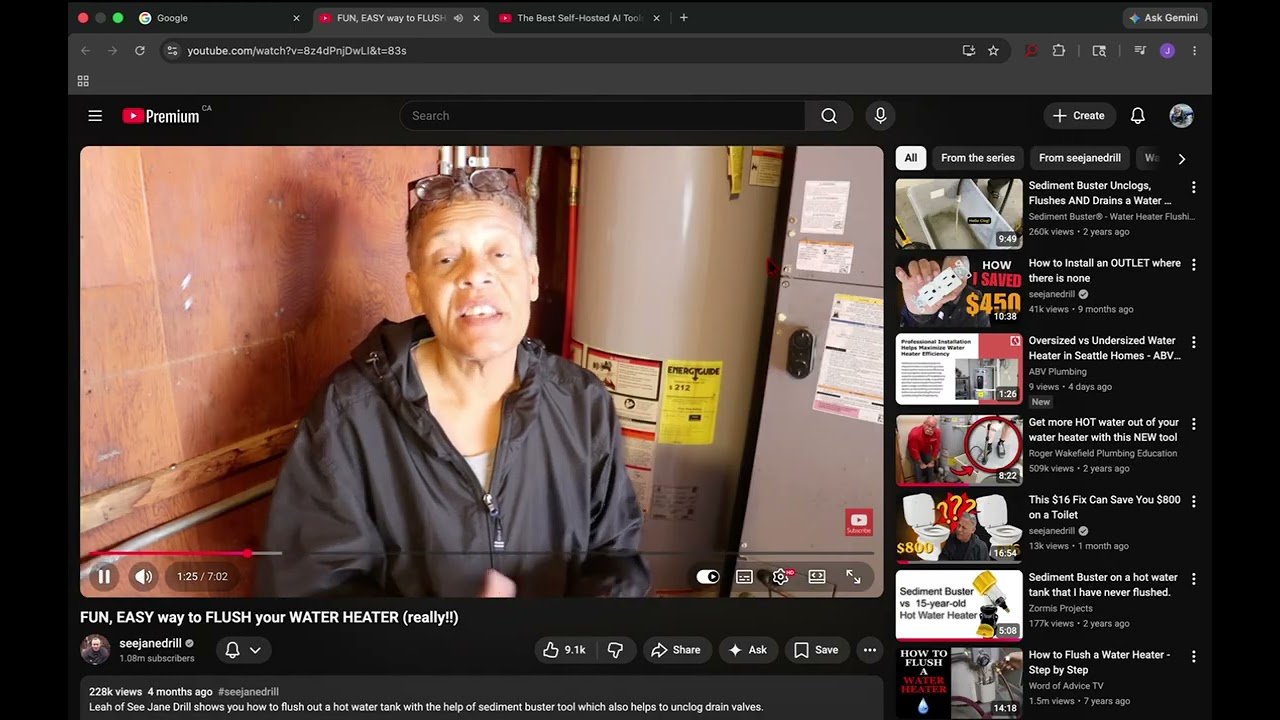
You've watched thousands of hours of YouTube — tutorials, talks, interviews, lectures. You vaguely remember a technique, a quote, or a statistic but can't find which video or which moment.
reeLm solves this with one keypress. Save a video in under a second; search your entire library in milliseconds.
- Shift+Y to save — one keystroke on any YouTube watch page indexes the full transcript
- Instant full-text search — SQLite FTS5, sub-millisecond queries across thousands of videos
- Jump to the second — click any result to resume playback at the exact spoken word
- 100% local — no cloud, no account, no API key; your data never leaves your Mac
- Lightweight — ~50 MB per 1,000 saved videos
[Chrome extension] ──Shift+Y──▶ [localhost:7799 server] ──▶ videos.db (FTS5)
                                          │
                                          └── yt-dlp (transcript fallback)
The extension fires on Shift+Y, sending the video ID to a local Go server. The server fetches the transcript (YouTube's caption API, with yt-dlp as fallback), indexes it into SQLite FTS5, and confirms with an on-page toast.
| Requirement | Details |
|---|---|
| macOS | Apple Silicon (M1–M4). CI tests every release on macOS 14+. Intel Macs are untested. |
| Browser | Google Chrome or any Chromium-based browser that loads unpacked MV3 extensions |
| yt-dlp | Installed automatically via Homebrew; required for transcript fallback |
If you don't have Homebrew yet:
/bin/bash -c "$(curl -fsSL https://raw.githubusercontent.com/Homebrew/install/HEAD/install.sh)"Then install reeLm:
brew tap Woodman11/reelm
brew install reelm
brew services start reelmInstall from the Chrome Web Store — one click.
- Open that link and click Add to Chrome
- Open any YouTube video and press Shift+Y — a toast confirms the save
- Pin the reeLm icon if you want one-click popup search
| Prompt | What to do |
|---|---|
| macOS firewall dialog ("allow Python to accept connections") | Either choice works — the server only listens on 127.0.0.1 |
| Private Network Access prompt on first save | Accept it |
| System notification: "reeLm added items that can run in the background" | Go to System Settings → General → Login Items & Extensions, find reeLm, toggle it off → on, then run brew services restart reelm |
If Homebrew was installed by a different user:
sudo chown -R $(whoami) /opt/homebrew
brew reinstall reelm
brew services start reelm| Action | Command |
|---|---|
| Save a video | Shift+Y on any youtube.com/watch?v=… page |
| Search (popup) | Click the extension icon → type your query |
| Search (CLI) | reelm search "phrase you remember" |
| Maintenance run | reelm-maintain — retries failed transcripts, optimizes FTS5 |
Everything stays on your Mac. The only outbound traffic is to youtube.com to fetch transcripts.
| Data | Location |
|---|---|
| Database (titles, video IDs, timestamps, transcripts) | ~/Library/Application Support/Reelm/videos.db |
| Server logs | ~/Library/Logs/reelm/server.log |
Existing databases in the legacy ~/Library/Application Support/MyYouTubeSearch/ location are migrated automatically on first run.
To uninstall completely:
brew services stop reelm
brew uninstall reelm
rm -rf ~/Library/Application\ Support/Reelm| Symptom | Fix |
|---|---|
| Extension popup shows "server offline" | brew services start reelm — check ~/Library/Logs/reelm/server.log for details |
| Toast says "Server not running" | brew services start reelm — check ~/Library/Logs/reelm/server.log for errors |
| Saves work but transcripts never index | Verify yt-dlp: which yt-dlp and yt-dlp --version ≥ 2026.03.17 |
| Shift+Y does nothing | Reload the YouTube tab after installing the extension |
The database lives outside the repo — copy it across with:
scp old-mac:"~/Library/Application Support/Reelm/videos.db" \
~/Library/Application\ Support/Reelm/videos.dbbrew install go yt-dlp
git clone https://github.com/Woodman11/reelm ~/reelm
cd ~/reelm
go build -o reelm .
./reelm serveLoad the extension from ~/reelm/extension using the same steps above.
Two LaunchAgent plists are included. Before installing, edit both — replace com.james.… with your own prefix and update the install path:
| Plist | Purpose |
|---|---|
com.james.reelm.plist |
Runs reelm serve continuously |
com.james.reelm-maintain.plist |
Runs reelm maintain every 15 minutes |
cp com.*.plist ~/Library/LaunchAgents/
launchctl load ~/Library/LaunchAgents/com.<you>.reelm.plist
launchctl load ~/Library/LaunchAgents/com.<you>.reelm-maintain.plist
Homebrew users skip this — brew services handles it.
| File | Purpose |
|---|---|
main.go |
Entry point — dispatches serve, maintain, search |
server.go |
HTTP server on localhost:7799; accepts saves, indexes transcripts |
maintain.go |
Retries failed transcripts, optimizes FTS5, vacuums DB |
search.go |
CLI search |
db.go |
SQLite open / schema / migration helpers |
ytdlp.go |
yt-dlp subprocess wrapper |
extension/ |
Chrome MV3 extension (manifest, content / background / popup scripts) |
MIT © James Woods
Extension icon: "Search Video" by Injamamul hoq miraz from The Noun Project, used under CC BY 3.0.