Skip to content

Folders and files

NameName
Last commit message
Last commit date

Latest commit


History

24 Commits


Repository files navigation

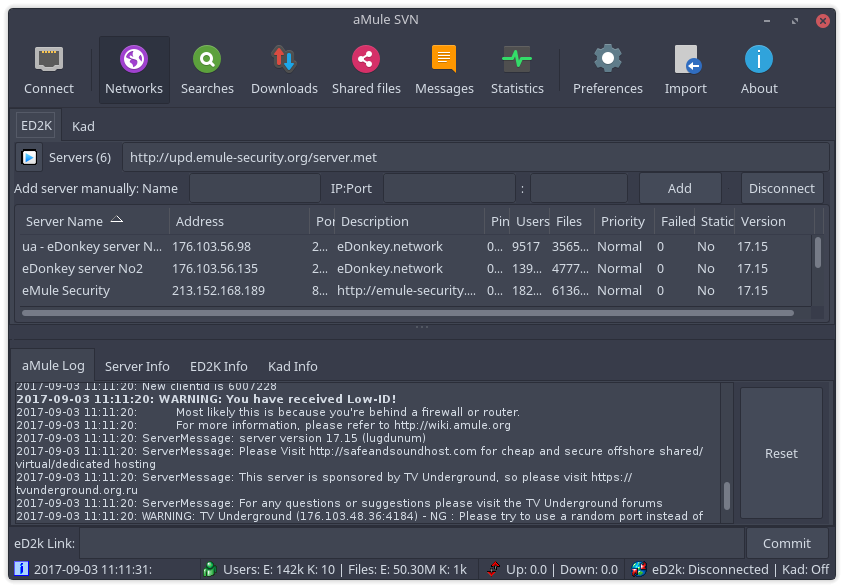
Papirus aMule Theme

preview

Installation

Manual Install

  1. Install dependencies:

    • git
    • make
    • librsvg2-bin
    • zip
  2. Run the following commands:

    git clone https://github.com/PapirusDevelopmentTeam/papirus-amule-theme.git
    cd papirus-amule-theme
    make build
    sudo make install
    
  3. Start aMule and choose a theme in Preferences → Interface → Skin to use.

About

Papirus icons for aMule

Topics

Resources

Stars

5 stars

Watchers

3 watching

Forks

Releases

Sponsor this project

Packages

Contributors

Languages