Here are some screenshots showcasing the dotfiles in action:
| Showcase 1 | Showcase 2 | Showcase 3 |
|---|---|---|
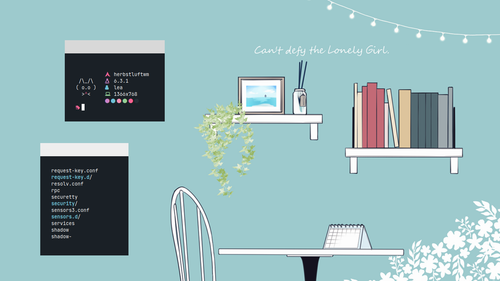 |
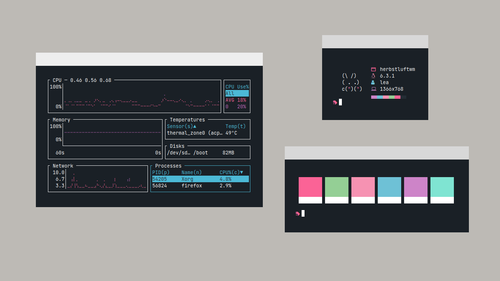 |
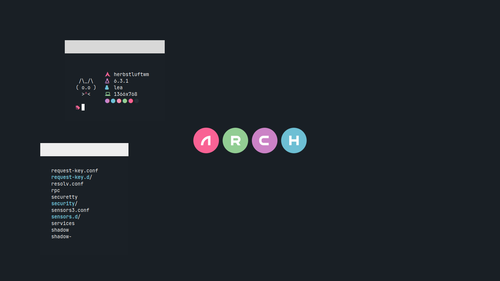 |
This guide will walk you through the installation process for the dotfiles provided in the repository xealea/simple-dot.
Before proceeding with the installation, ensure that you have the following requirements:
- Bash (Bourne Again SHell)
- Git
- Curl or Wget (for downloading the installation script)
-
Open your terminal.
-
Download the
dotfiles_install.shscript from the repository using eitherwgetorcurl. Choose one of the following methods:- Using
wget:wget https://github.com/xealea/simple-dot/raw/master/dotfiles_install.sh
- Using
curl:curl -O https://github.com/xealea/simple-dot/raw/master/dotfiles_install.sh
- Using
-
Make the downloaded script executable:
chmod +x dotfiles_install.sh
-
Run the script to start the installation process:
./dotfiles_install.sh
-
Follow the prompts during the installation process to select the folders you want to copy. You can choose to copy all folders (excluding the .git folder).
-
Once the installation completes, the dotfiles will be copied to your home directory. Enjoy your new dotfiles setup!
You can customize the wallpaper by using a keybind Mod (Window) + Shift + B. This will bring up the Rofi interface, where you can choose options to change the wallpaper permanently using feh, or use hsetroot, swww, or swaybg if you don't want to change the wallpaper permanently.
To add wallpaper, place the PNG or JPG file in the $HOME/.wall folder. Ensure that the wallpaper images are in either PNG or JPG format and located within the $HOME/.wall folder, if you done, now just open it with keybind Mod (Window) + Shift+ B and you will see the name of the wallpaper that you added earlier
If you encounter any issues or have questions regarding the installation process, please feel free to open an issue on the repository or reach out to the author, Lea, via email at xealea@proton.me.
This dotfiles configuration is still under development and may not include all the features you require or have bug.